
Chat App went live 65 minutes after its first commit on Clubedge Starter, then grew into a messenger with calls and push
How a WhatsApp-style messenger started from Clubedge Starter on Next.js, changed its modules with the CLI on its way to production, and grew from the Starter's 114 tests to 636.
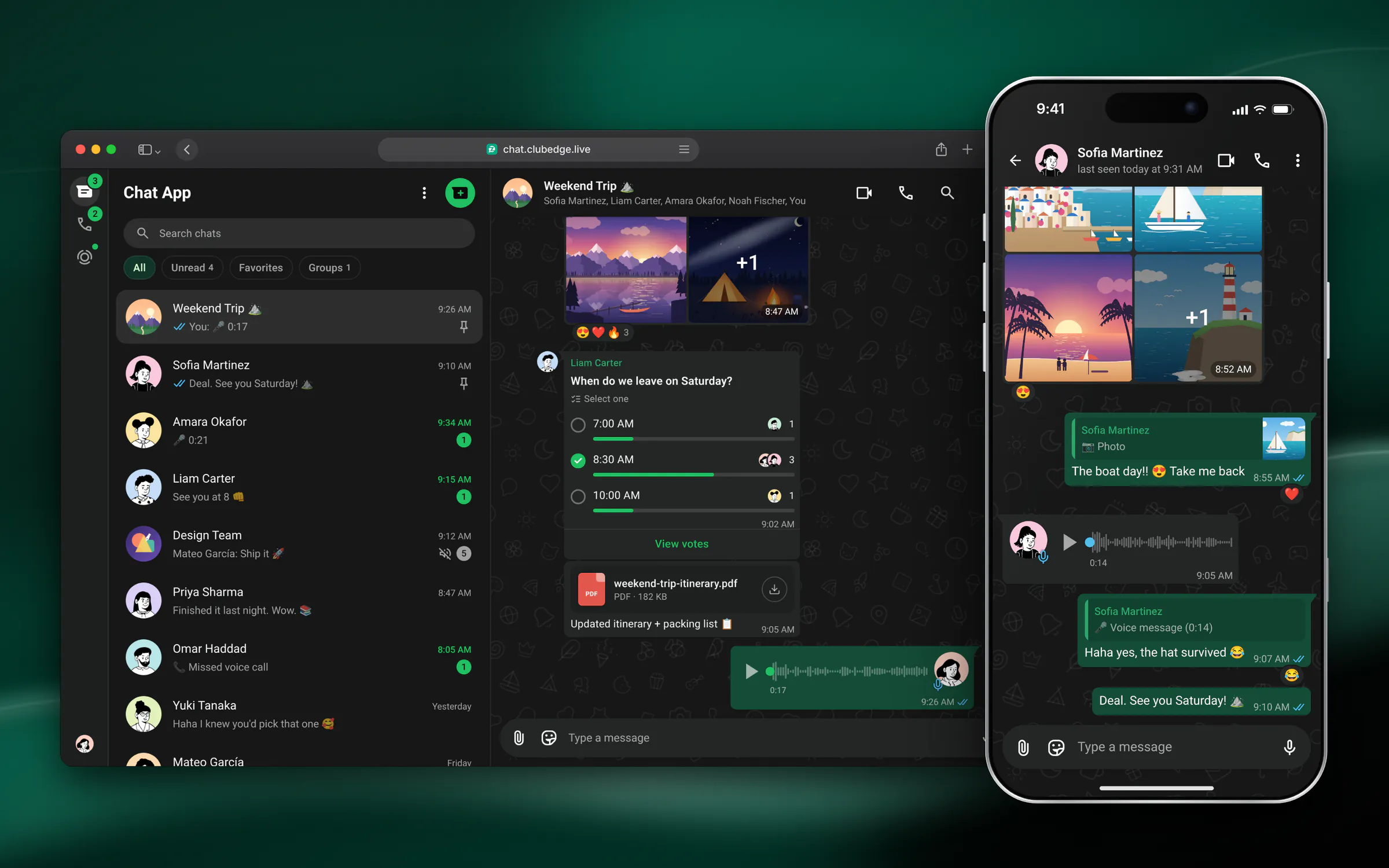

Chat App is a messenger that installs as a web app, with direct chats and groups, voice messages and media, voice and video calls, push notifications, and two-step sign-in.
https://chat.clubedge.liveReady to get started?
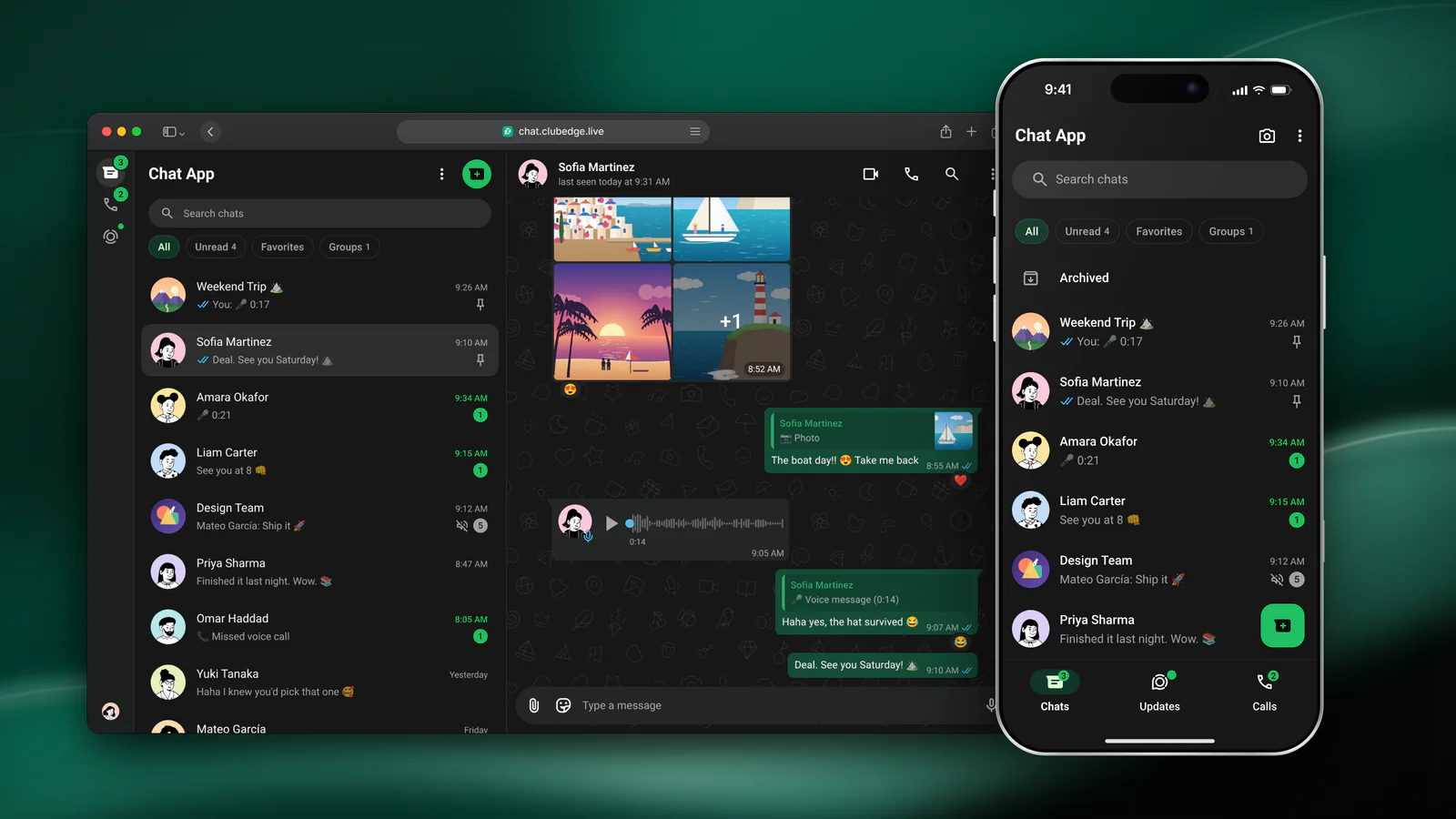
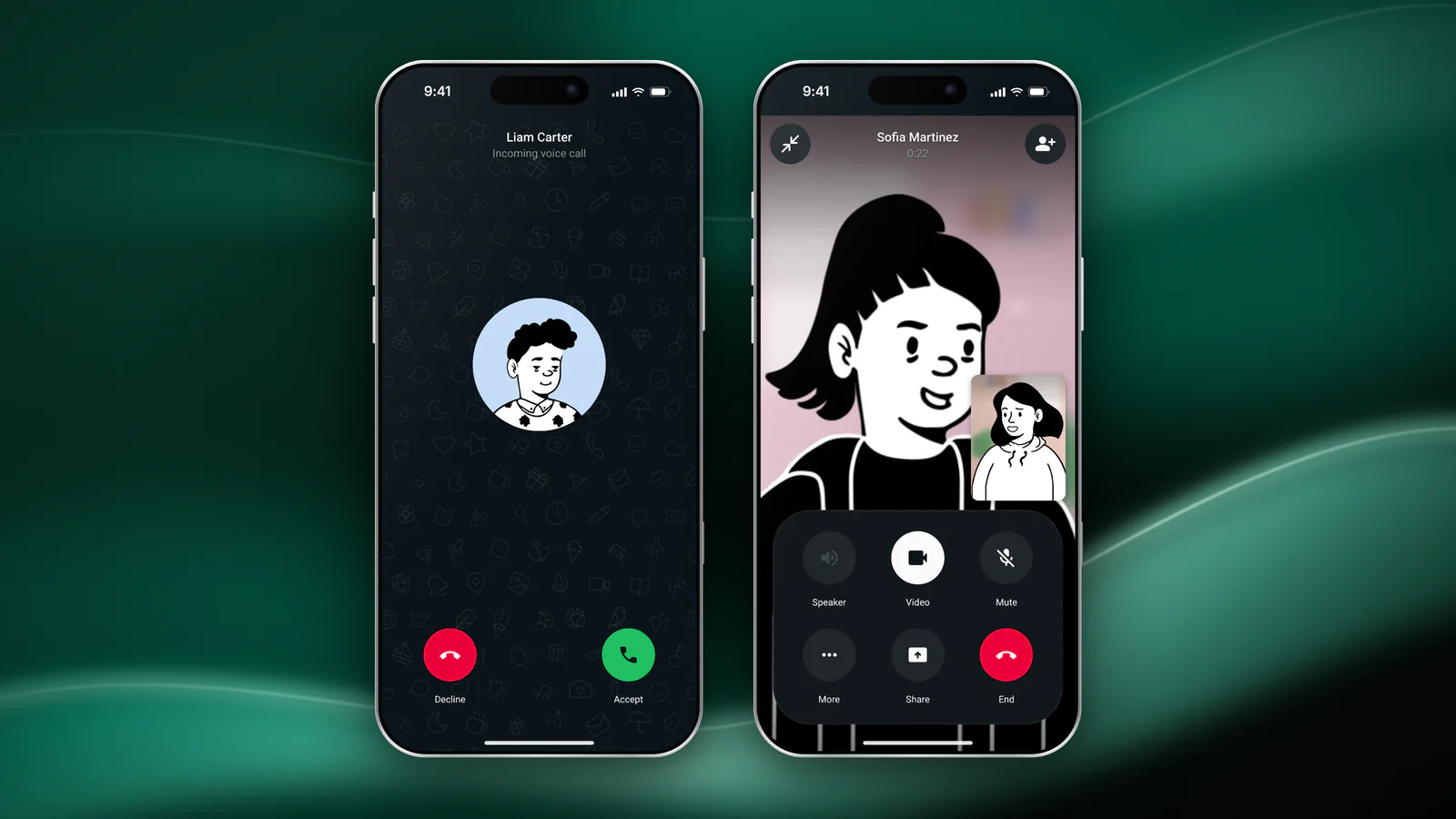
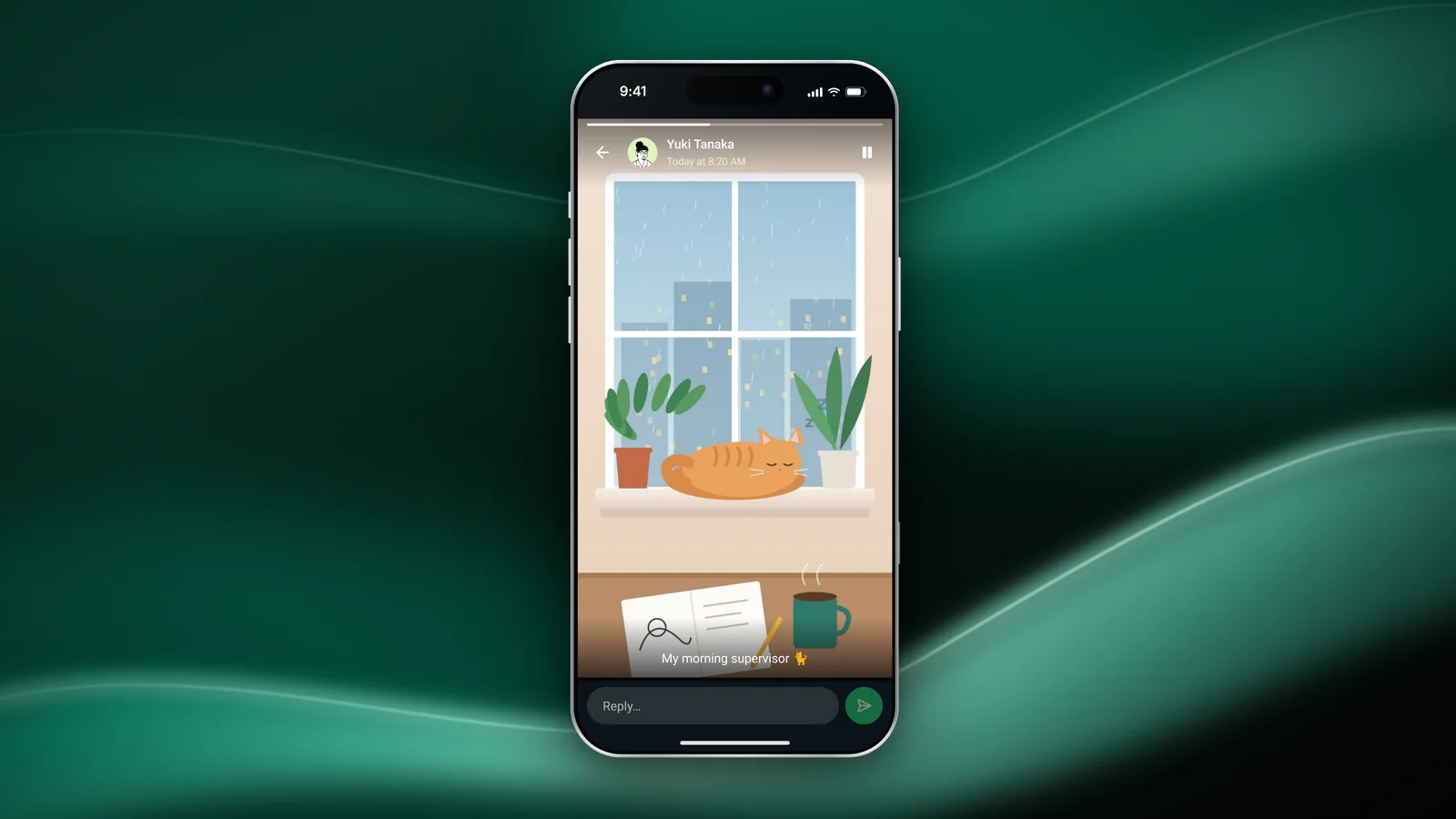
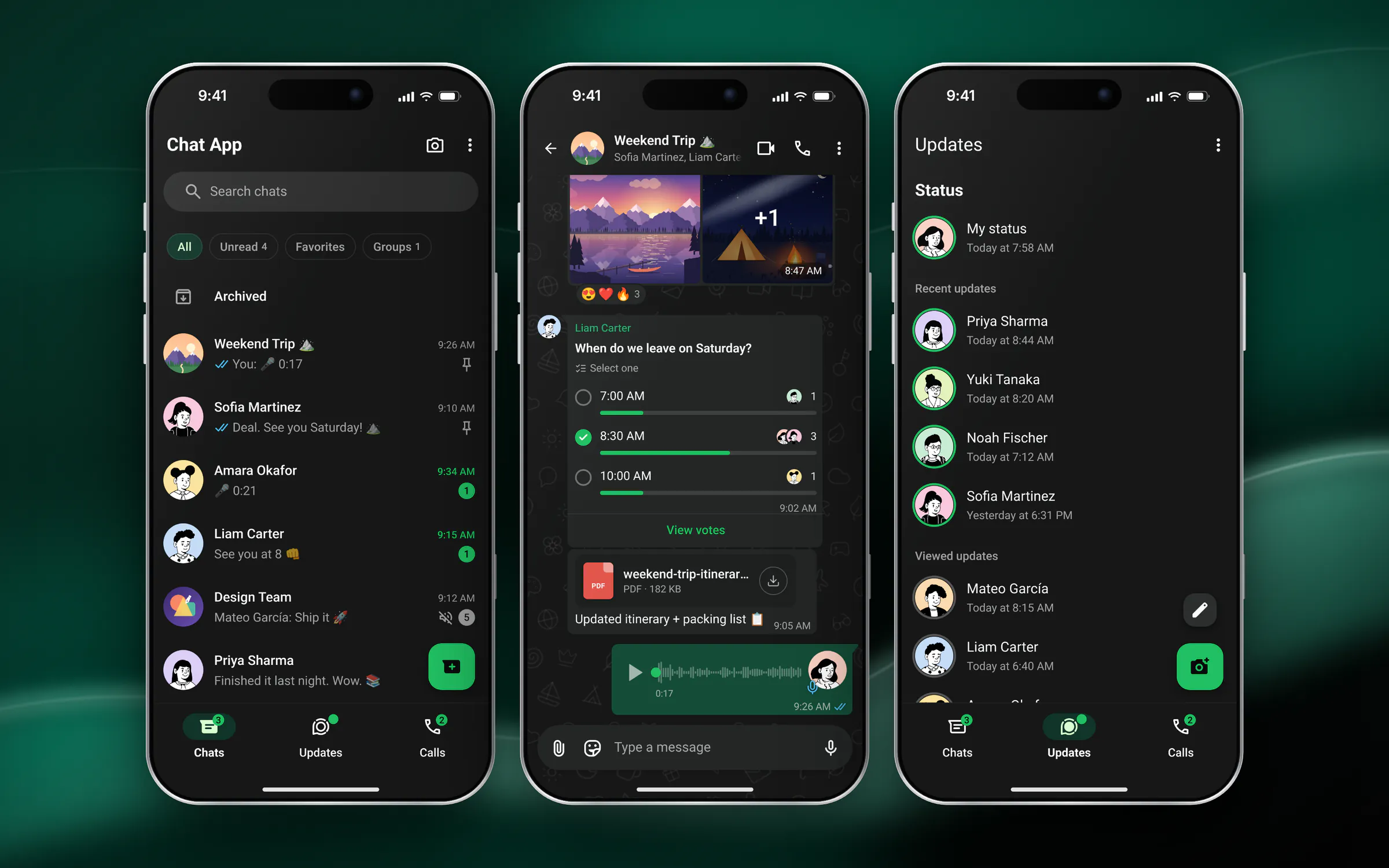
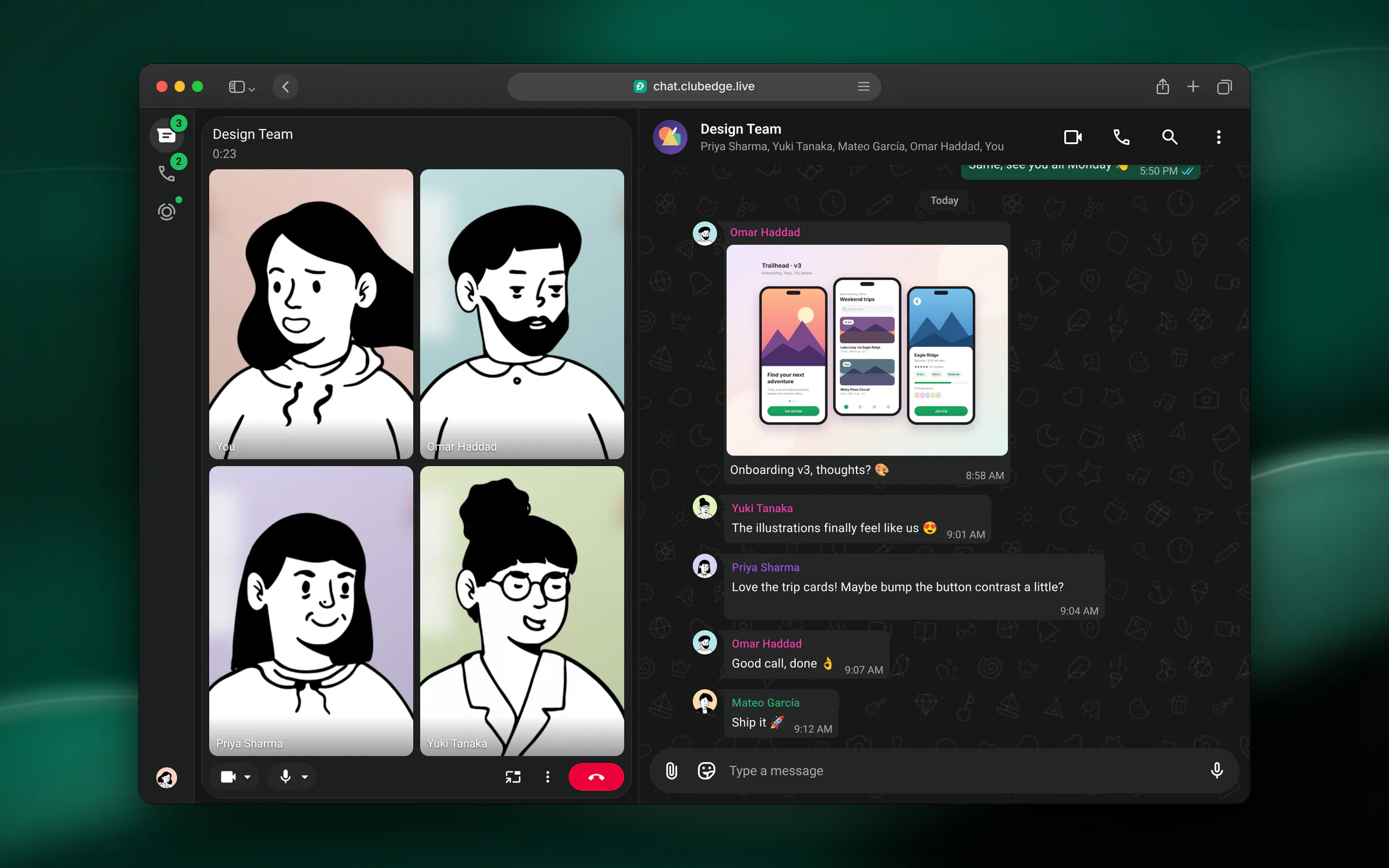
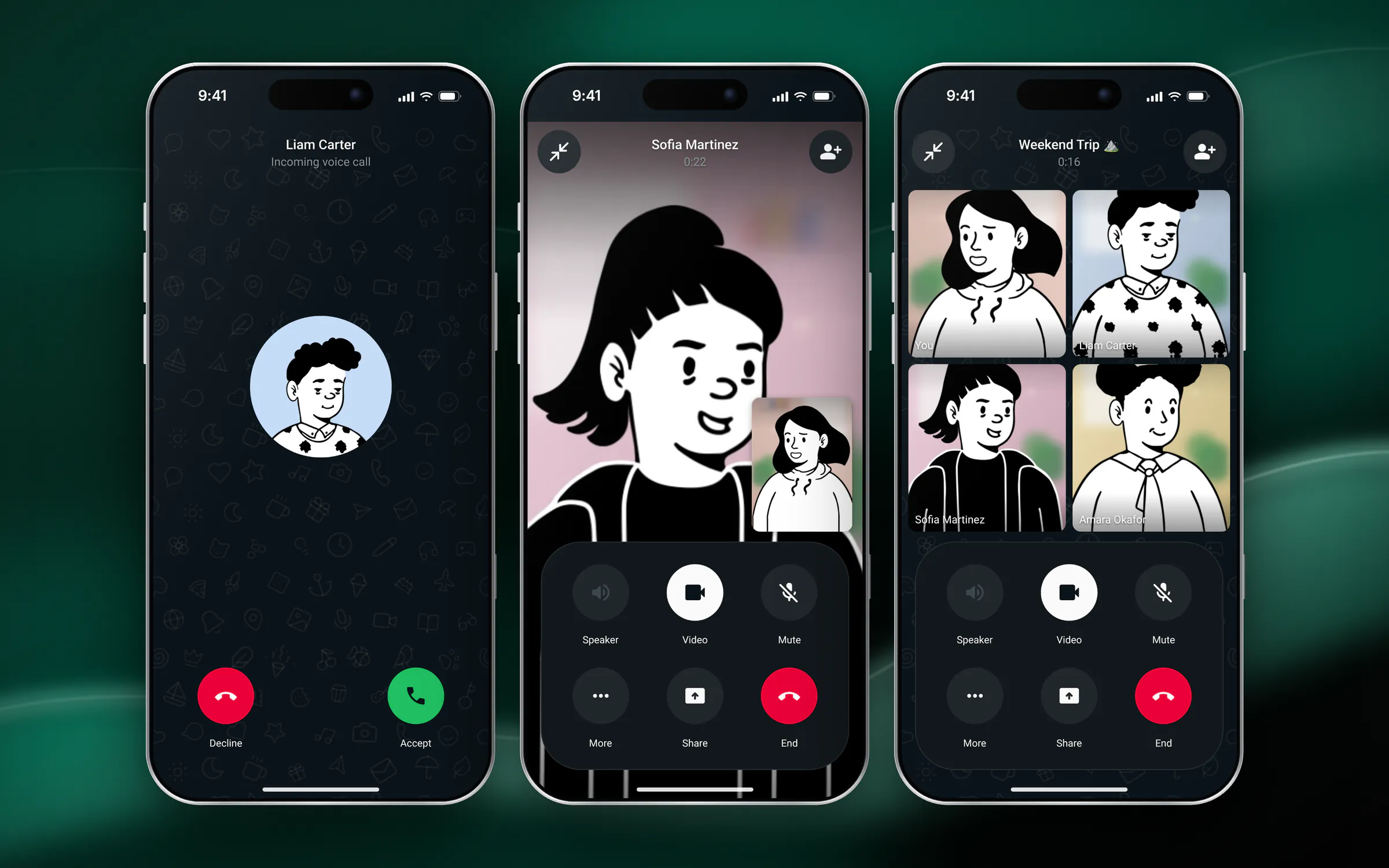
Chat App is a WhatsApp-style messenger that installs as a web app. It has direct chats and groups of up to 256 people, read receipts, typing and presence, voice messages, photo and video albums, replies, reactions, polls and a 24-hour Status. People can call one another or a group, by voice or video. Messages can disappear or be viewed once, and accounts have two-step verification, linked devices, and an app lock that can use the device’s biometrics.
See Chat App in action #
The challenge#
A messenger is judged on its details: messages that arrive at once, receipts, media, calls and notifications, on every device. Real-time features usually bring a separate service to run, and serverless hosting limits how long a request can stay open and how much it can carry.
Starting from Clubedge Starter#
The project was created with this command:
pnpm dlx @clubedge/create-clubedge-app chat-app \ --framework next --auth supabase --storage s3 \ --cache redis --email smtp --payments none \ --jobs none --observability none \ --infra docker --deploy dockercreate-clubedge-app 0.46.0 wrote Starter v0.30.0 with a Next.js app, Supabase Auth, S3 storage, a Redis cache, an SMTP email module, and Docker for the local services. It came with the Starter’s sign-in, settings, database setup and tests: 104 unit tests and 10 browser tests. The first commit already had the first version of the chat on top: a chat package, its tables, 15 API routes and the chat screen.
Changing the project with the CLI#
On the first night, on its way to production, the project changed its modules with the CLI in under half an hour:
pnpm clubedge add deploy verceladded the Vercel deployment, with a build that checks the environment and runs the migrations first.pnpm clubedge remove emailtook out the SMTP module, which the app didn’t use yet.- A switch to the memory cache got the first deploy through, and the project went back to Redis, on Upstash, minutes later.
The first production deploy ran 65 minutes after the first commit.
Building on the Starter#
- Messaging: direct chats, groups, receipts, reactions, polls, Status and disappearing messages, in a package of its own with 23 tables, served by 81 API routes.
- Real-time needed no new service: Postgres’s
LISTEN/NOTIFYfeeds Server-Sent Events to each open chat, on the database the Starter set up. - Files and media use the Starter’s S3 storage, with byte-range downloads for media and uploads in 4 MB parts.
- Sign-in extends the Starter’s Supabase Auth with email codes, two-step verification, linked devices and a short session cache.
- Calls use WebRTC between two people, and a LiveKit server for groups.
- Push notifications use Web Push, with a service worker that keeps them coming on every device.
Going to production on serverless#
Real-time on serverless functions needed care. Vercel stops a function after 300 seconds, so the event stream closes 30 seconds before and the app reconnects. LISTEN needs a session connection rather than a transaction pooler, so the environment check now refuses one. Vercel also caps a request at 4.5 MB, which is why uploads go in 4 MB parts.
Push on Safari and iOS had rules of its own: Safari takes the permission away after three pushes that show nothing, and a WebKit bug stacked notifications.
A noise-suppression library for calls made the chat page fail during server rendering, until it was loaded only in the browser. Performance work then cached a verified session for 15 seconds and cut the first load from 356 to 256 KB, gzipped.
Results#
- 65 minutes from the first commit to production, then 201 commits in 38 pull requests over nine days.
- 34 migrations from the Starter’s 2, with 23 tables for the chat.
- 636 tests in each run: 503 unit tests and 133 browser tests in Chromium. The Starter came with 114: 104 unit tests and 10 browser tests.
What goes back into the Starter#
What Chat App added to the Starter’s own code is the next candidate for the Starter itself: email codes, two-step verification and session management in the auth module, the session cache, byte-range downloads in storage, and real-time over Postgres, which any project with a database could use.